Tips and tricks
This is a list of tips and tricks related to Mcblend. Some of them are related to the addon and some of them explain some basics of using Blender, which can be useful for working with Mcblend.
Matching framerate
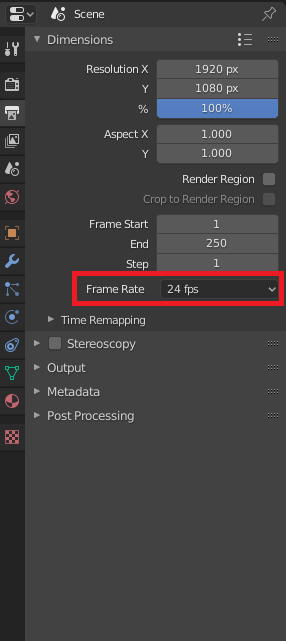
By default, Blender uses 24FPS framerate. Minecraft uses seconds to define the timestamps of keyframes in animation. It’s good to change the framerate setting into something that divides 1 second period into something nice - for example (25FPS or 20FPS). 1/24 is 0.0416666 but 1/25 is 0.04 which looks neater in the animation file.
You can find the framerate setting in Output Properties -> Frame Rate.
World unit scale
By default, 1 meter in Blender is equal to one block in Minecraft. One
Minecraft meter is 16 units of length of the model. You might want to
measure the size of the model using these units instead of meters. You can
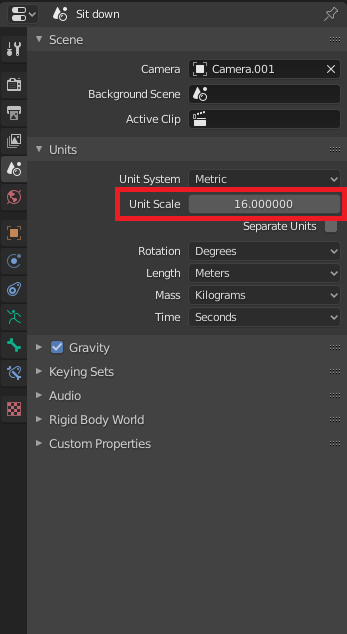
go to Scene properties -> Unit scale to scale the units used in Blender.
Changing the value of this property to 16 will set one length unit in Blender
equal to one length unit of a model.