Fixing Invalid Cubes
Invalid cubes are objects in a model that don’t meet the requirements for being exported as a cube but are still marked as cube type. In Mcblend, in order to export an object as a cube, it must have a cuboid shape and its cuboid mesh must be aligned to the object’s rotation. This means that the object can only hold one cube. If an object has multiple cubes or its mesh is not aligned to its rotation, it will be marked as an invalid cube and will be skipped during export.
Changing the Cube Type to a Polymesh
One solution to the problem of invalid cubes is to change the object’s cube type to a polymesh. Polymeshes don’t have the limitations of cubes, so you can have any number of cubes and any shape in a single object. However, it’s worth noting that polymeshes are an experimental feature in Minecraft and may not be supported by all modeling tools for the game. Additionally, using polymeshes is generally not recommended as Minecraft doesn’t guarantee to support them and they can be removed at any point. You can read more about polymeshes and cubes in the Cubes vs polymeshes section of the documentation.
Using the Separate and Align Cubes Operator
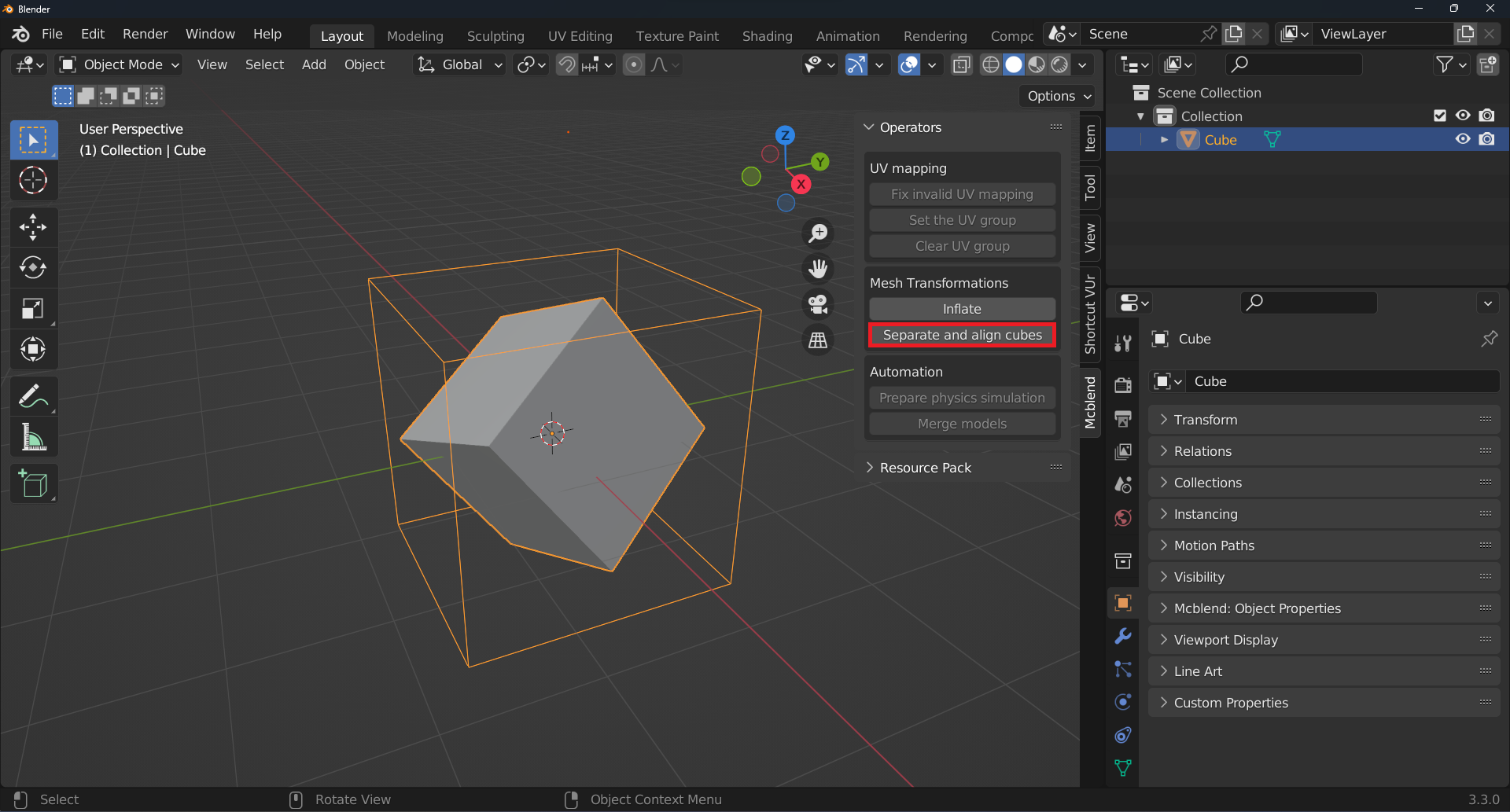
Another solution to the problem of invalid cubes is to use the Separate and Align Cubes operator. This operator is designed to fix invalid cubes and also enables a workflow where you can create a model in a single mesh and then fix it using the operator.
To run the operator, press the Separate and Align Cubes button in the Mcblend sidebar in the Operators panel. The operator separates all of the disconnected parts of the mesh and tries to align the object’s rotation to match the rotation of the cubes in the mesh. The operator works on all selected objects.
It’s worth noting that the Separate and Align Cubes operator is different from the Separate operator that is part of Blender by default (found under Mesh > Separate). The Separate and Align Cubes operator also aligns the separated meshes, whereas the default Separate operator does not.
If the separated object isn’t a cube, this operator won’t be able to fix it. In such cases, you may need to use a different solution or consider changing the object’s cube type to a polymesh.
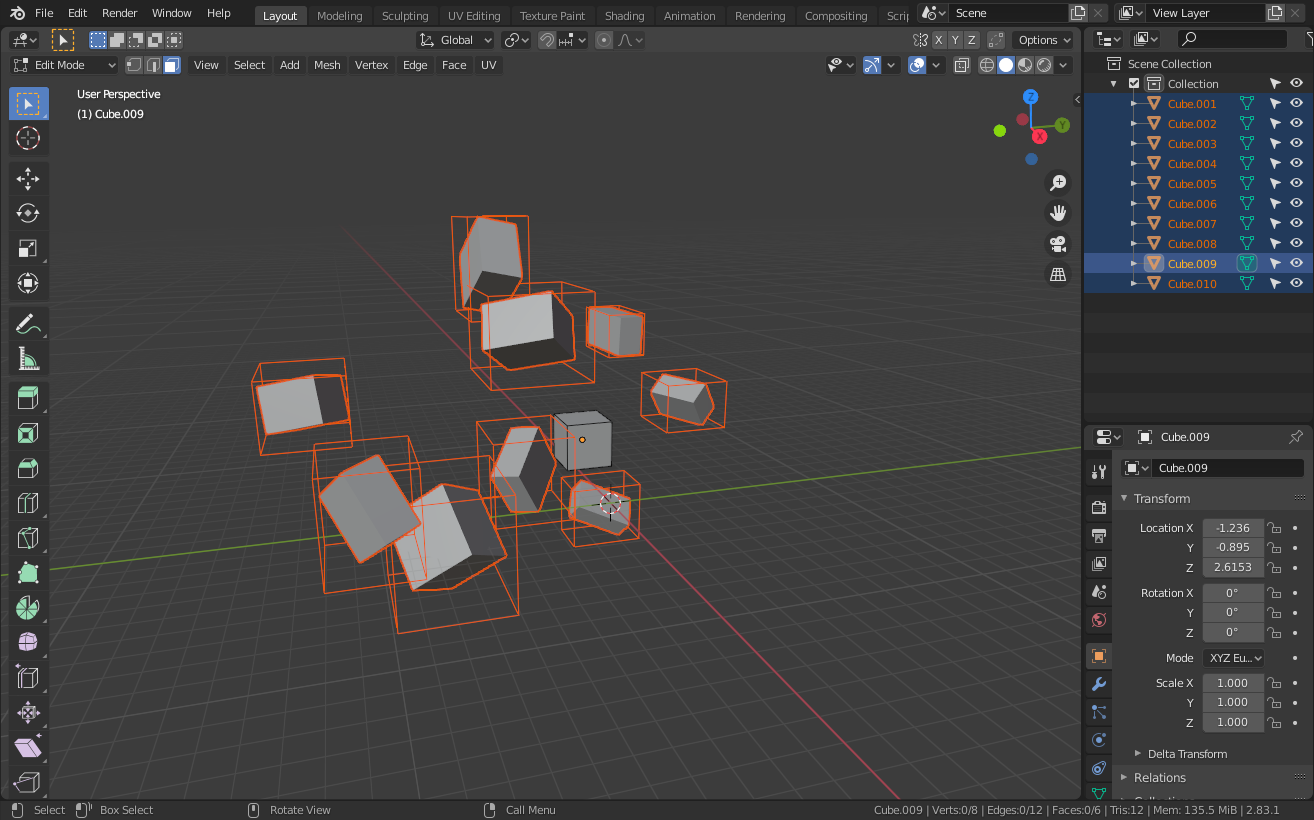
The images below illustrate the difference between the default Separate operator and the Separate and Align Cubes operator. The cuboids around the objects represent their bounding boxes.
Before separating cubes
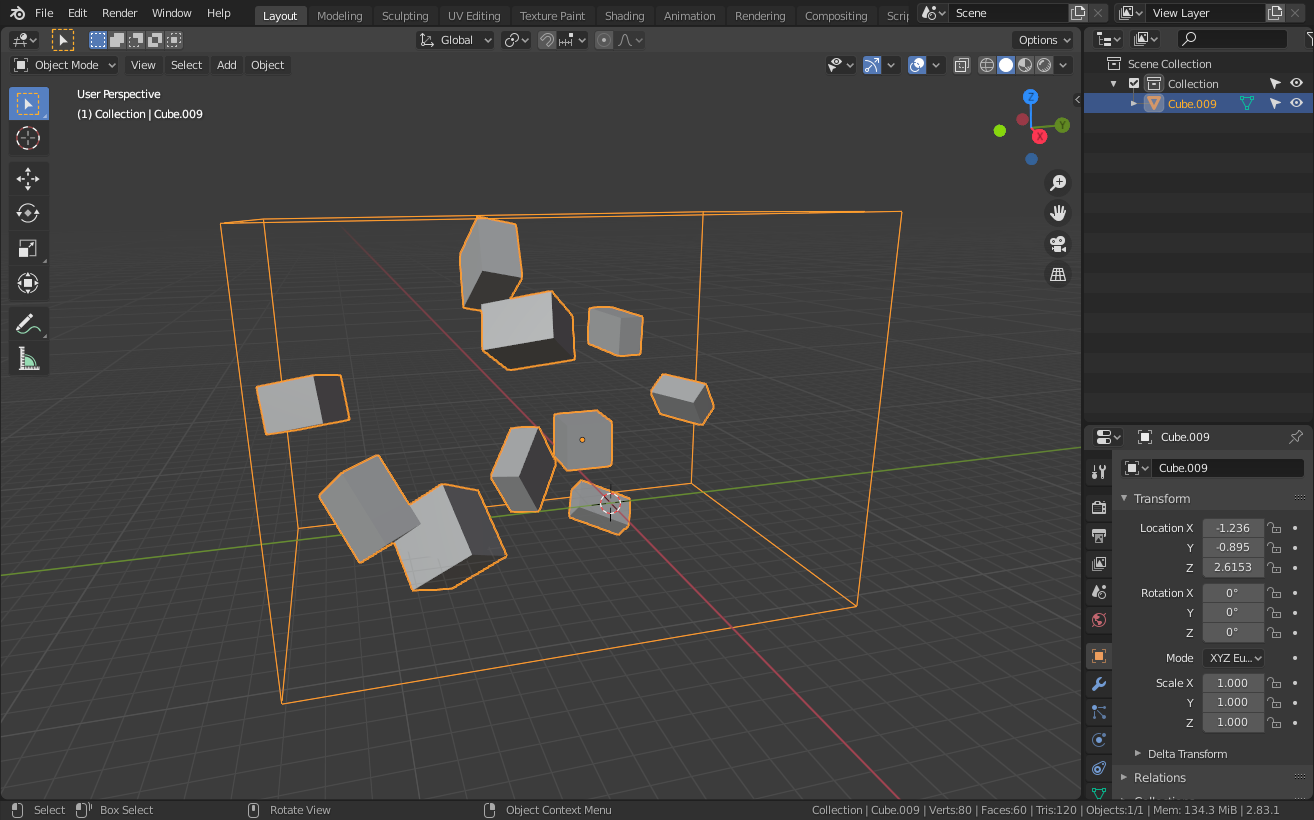
Objects separated with Mcblend
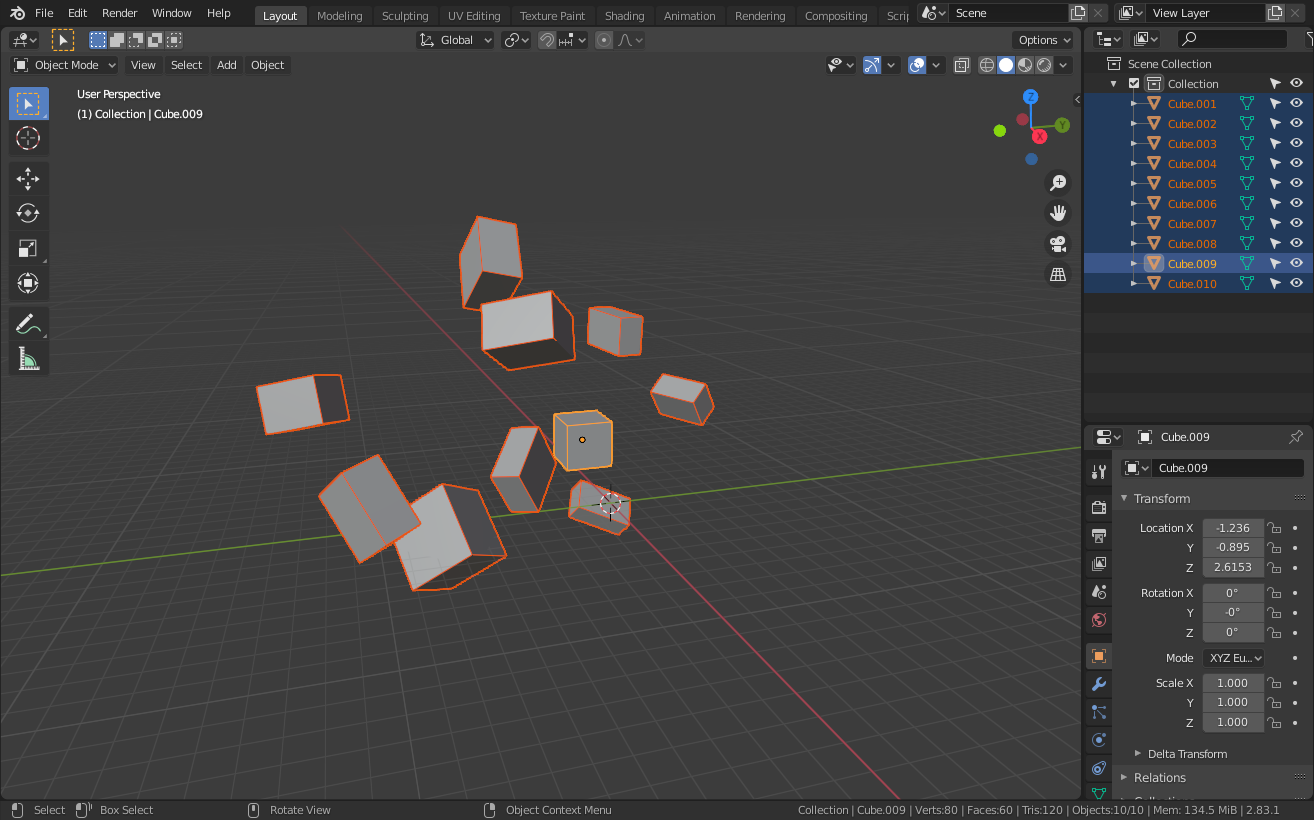
Objects separated using default Blender operator