World unit scale
By default, 1 meter in Blender is equal to one block in Minecraft. One
Minecraft meter is 16 units of length of the model. You might want to
measure the size of the model using these units instead of meters. You can
go to Scene properties -> Unit scale to scale the units used in Blender.
Changing the value of this property to 16 will set one length unit in Blender
equal to one length unit of a model.

The Mcblend Blender template
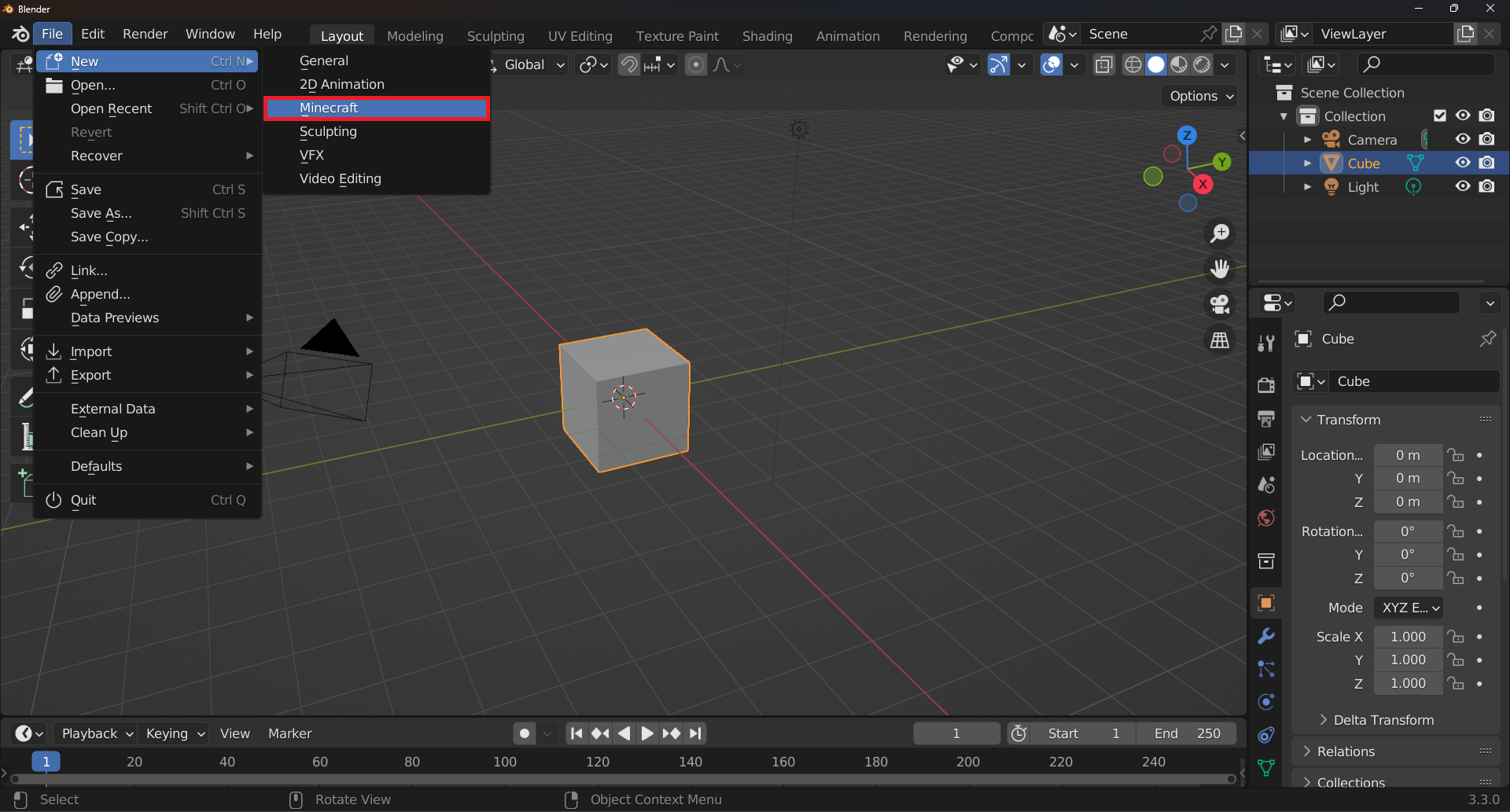
You can download a template project for blender and add it to your File > New menu for starting new projects. The description of what the template contains and how to add it to Blender can be found on the template repository: https://github.com/Nusiq/mcblend-project-template/releases/tag/mcblend-10.1
Enabling subframes
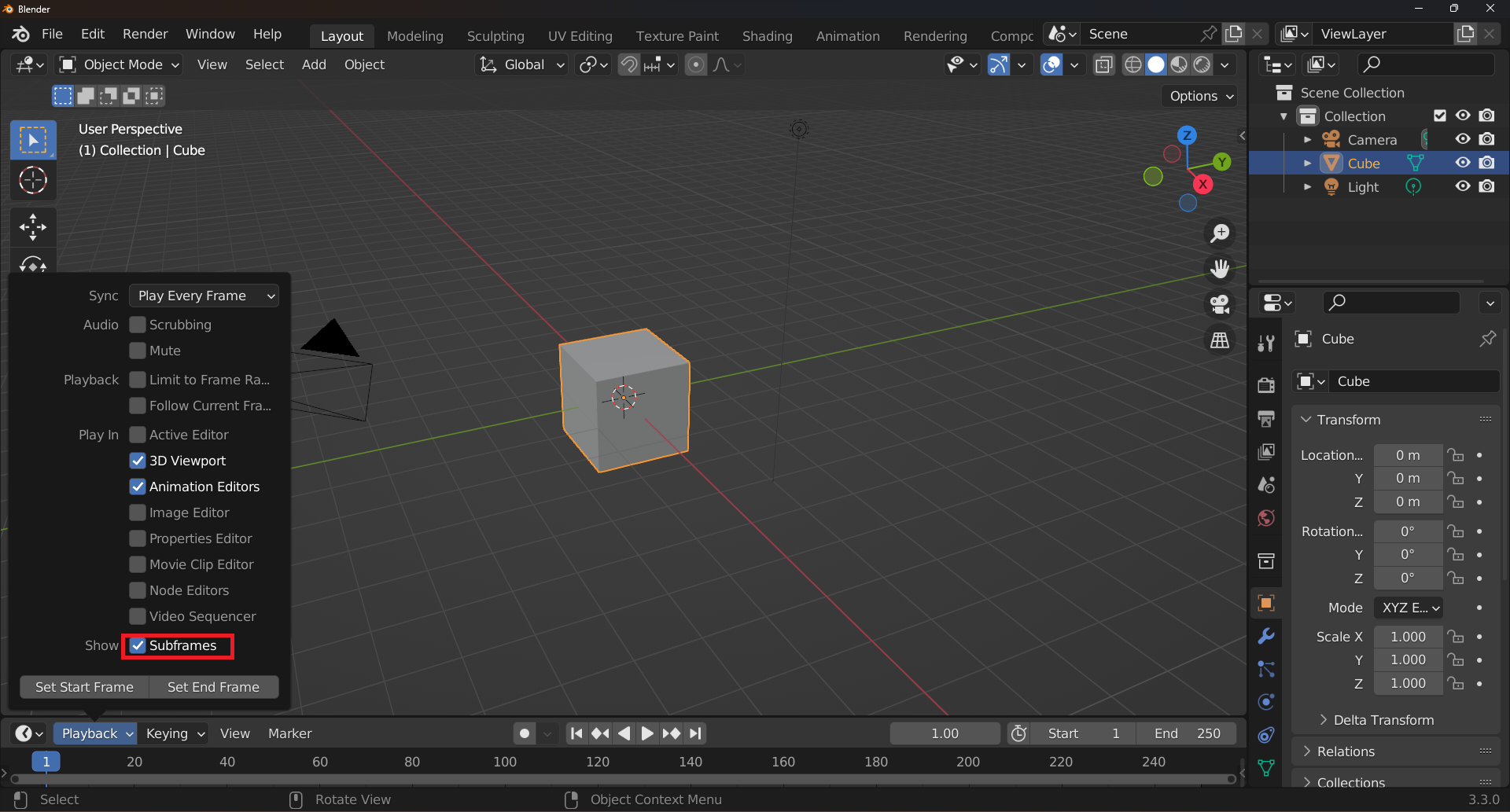
Starting from Mcblend version 10.1.0, you can use subframes in your animations. Subframes are a type of keyframe that is set on a timeline between two frames. To view subframes in Blender, enable the Subframes option in the Timeline panel in the Playback section.
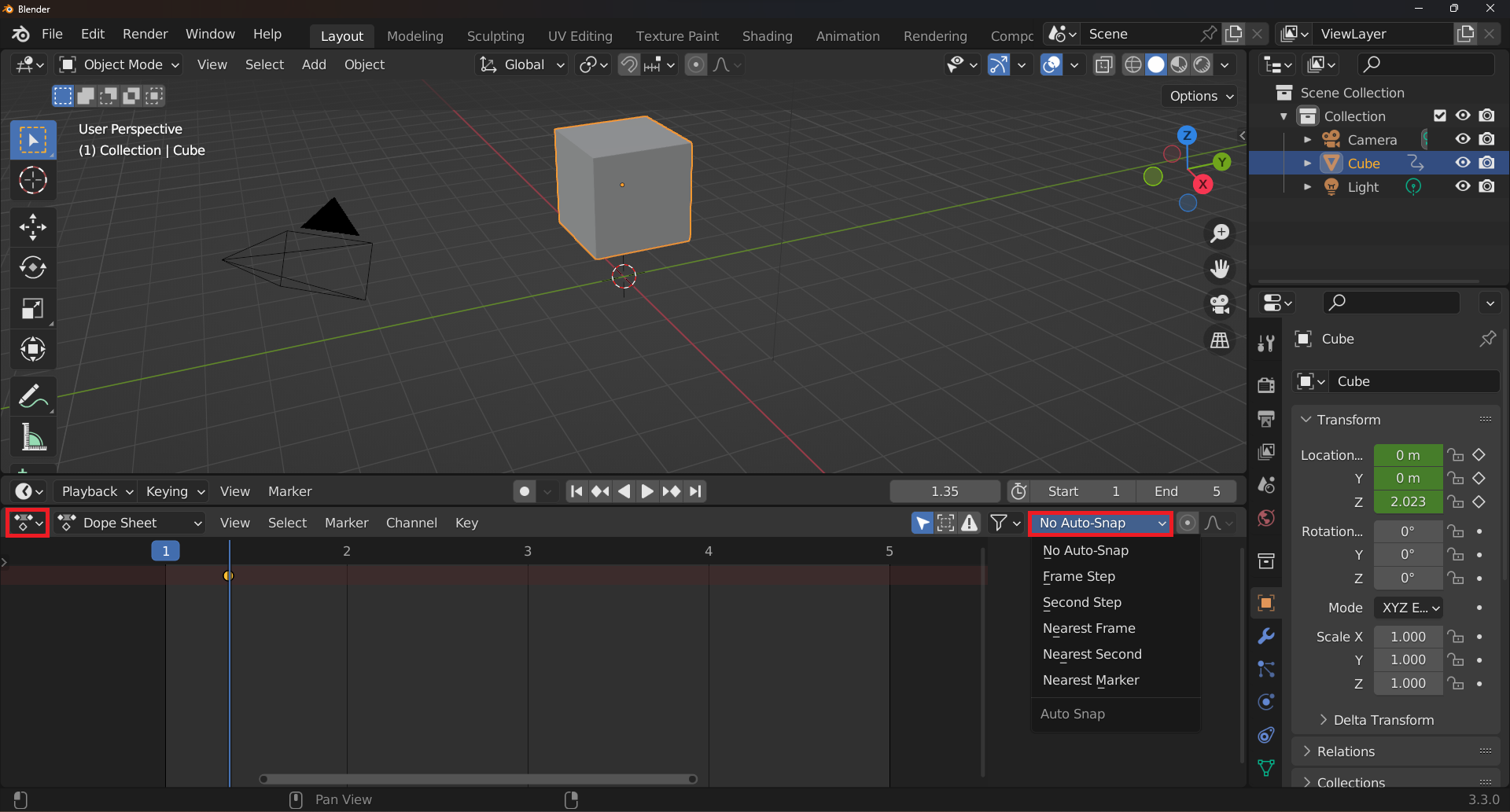
However, even if you enable subframes, the I shortcut will only add keyframes on whole frames. To add subframes, first add a keyframe and then use the Dope Sheet to move it to the desired position on the timeline. Before moving the keyframe, select the No auto snap option in the Dope Sheet panel.